
Plan the whole term, not just this week.
TermPlanner builds your timetable, lessons and homework on top of your school’s real calendar: the half terms, INSET days and holidays your council actually publishes. So a Monday off is a Monday with no lessons, and a deadline lands on a day you are really in.
Set the term up once, in about two minutes
Recorded in the planner itself, in the order you would do it. None of it needs an account.
Start from your council. Search for your local authority and its published year lands on the planner whole - term starts and ends, half terms, holidays and bank holidays.
Everything in the planner, at a glance
Built on the term dates of 146 councils and 2,117 schools. The features page goes into each of these properly.
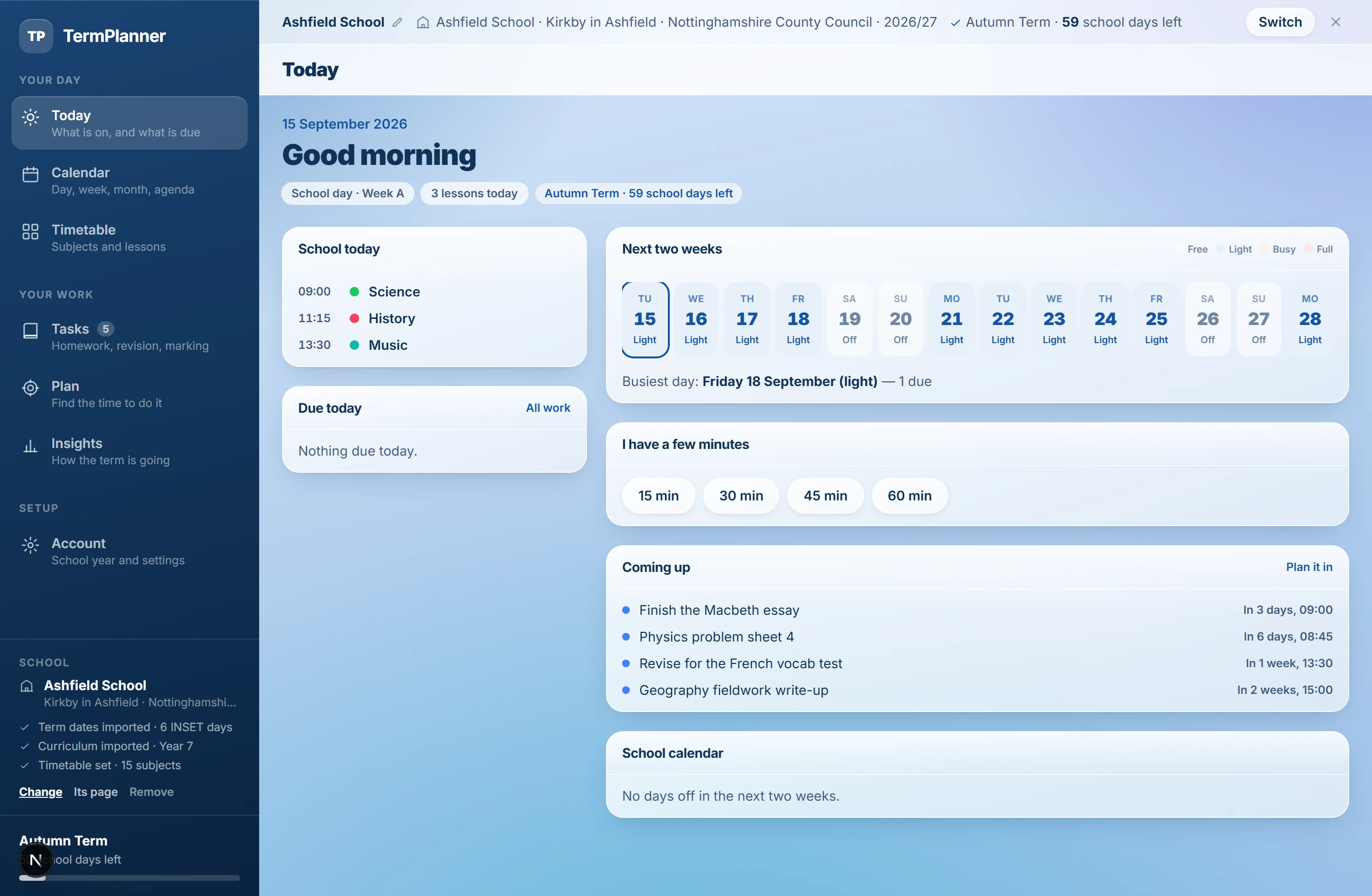
Today
What is on, what is due, and how busy the week looks - shaded free, light, busy or full.
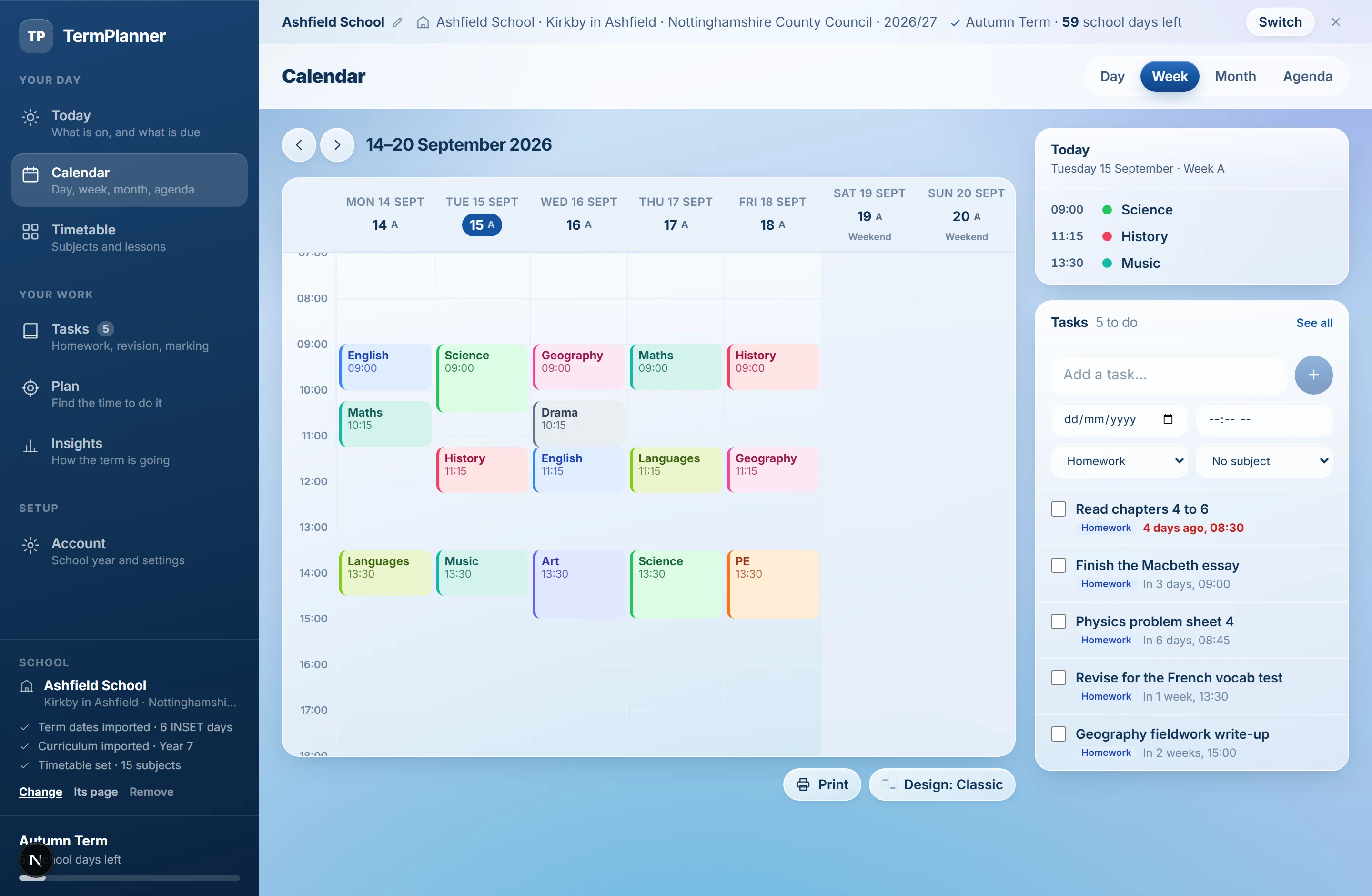
The calendar
Day, week, month and agenda, with closed days shaded and lessons gone from them.
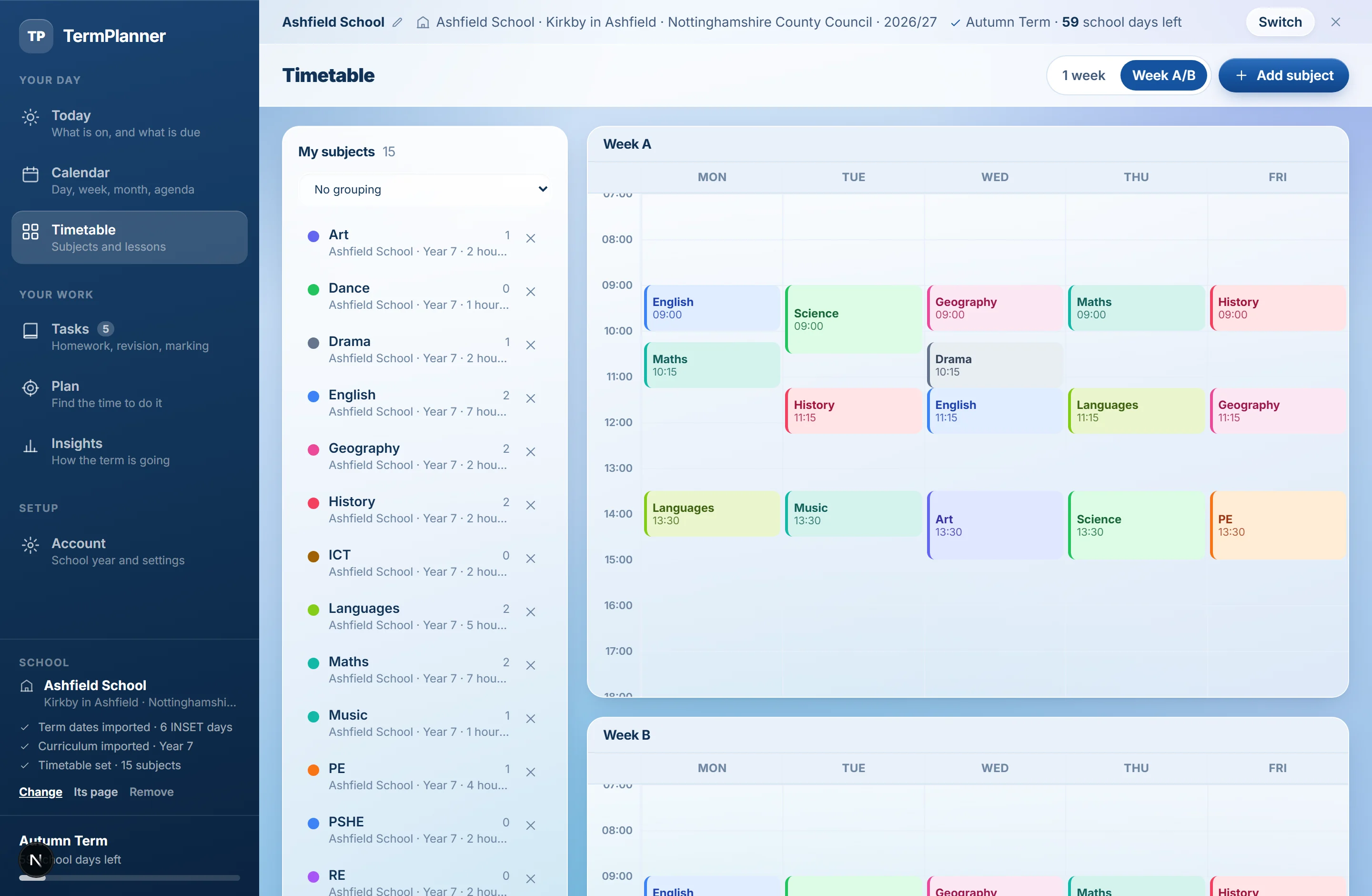
The timetable
Periods, rooms and teachers, Week A and Week B - the rotation carries through half term.
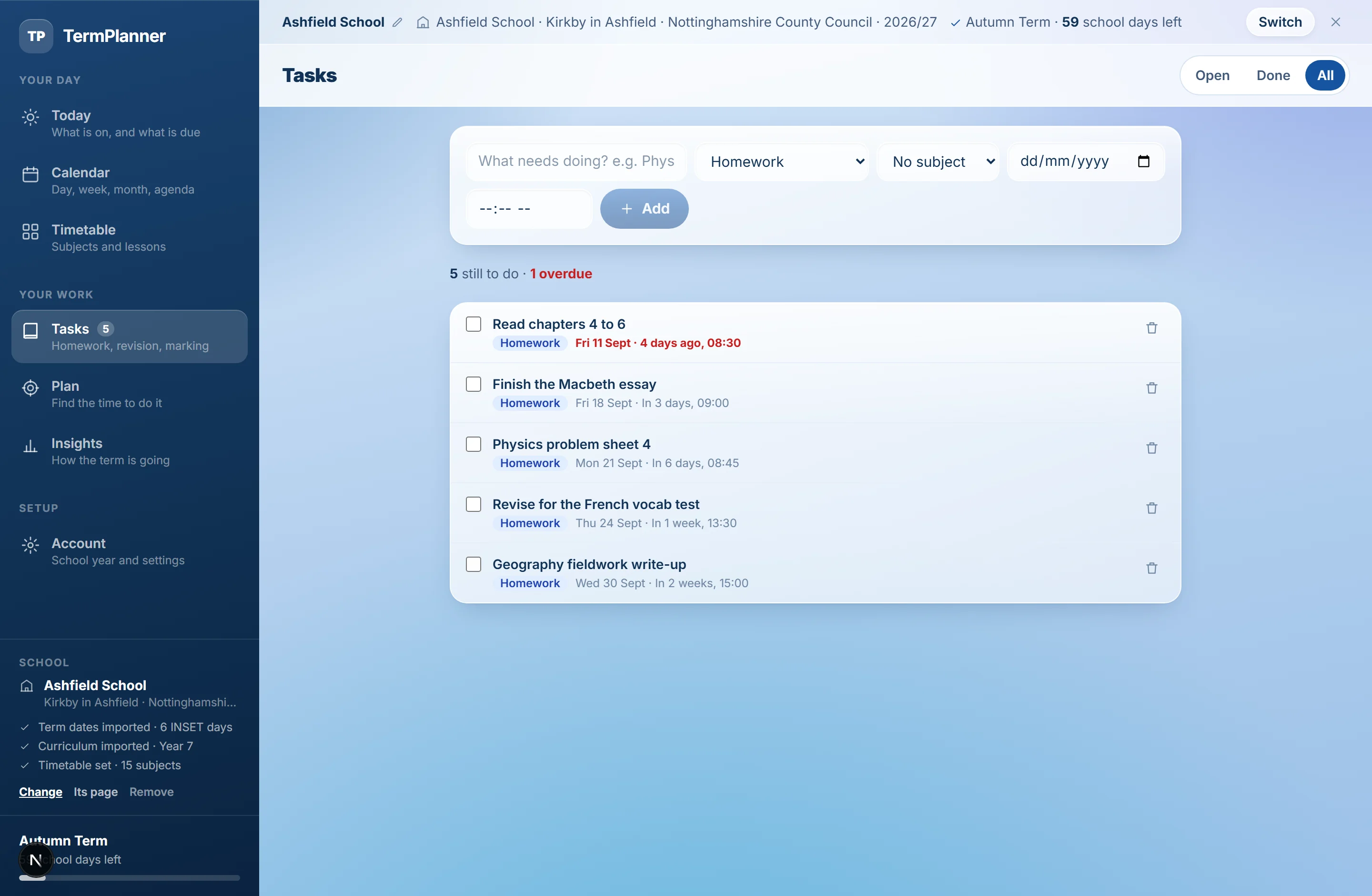
Tasks
Homework, revision, coursework and marking, each with a deadline that lands on a real school day.
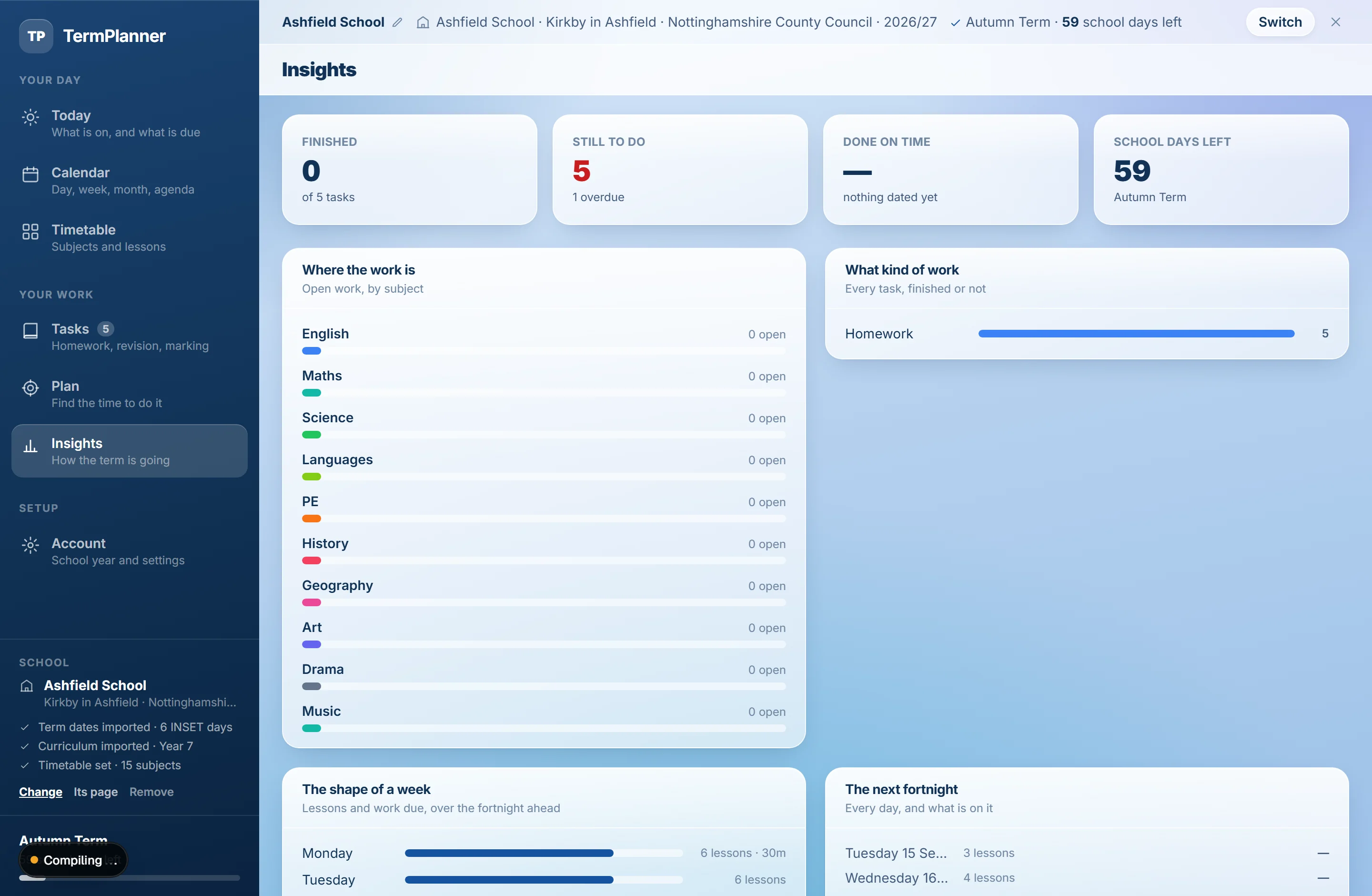
Insights
How far through the term you are, and how the work is spread across the weeks ahead.
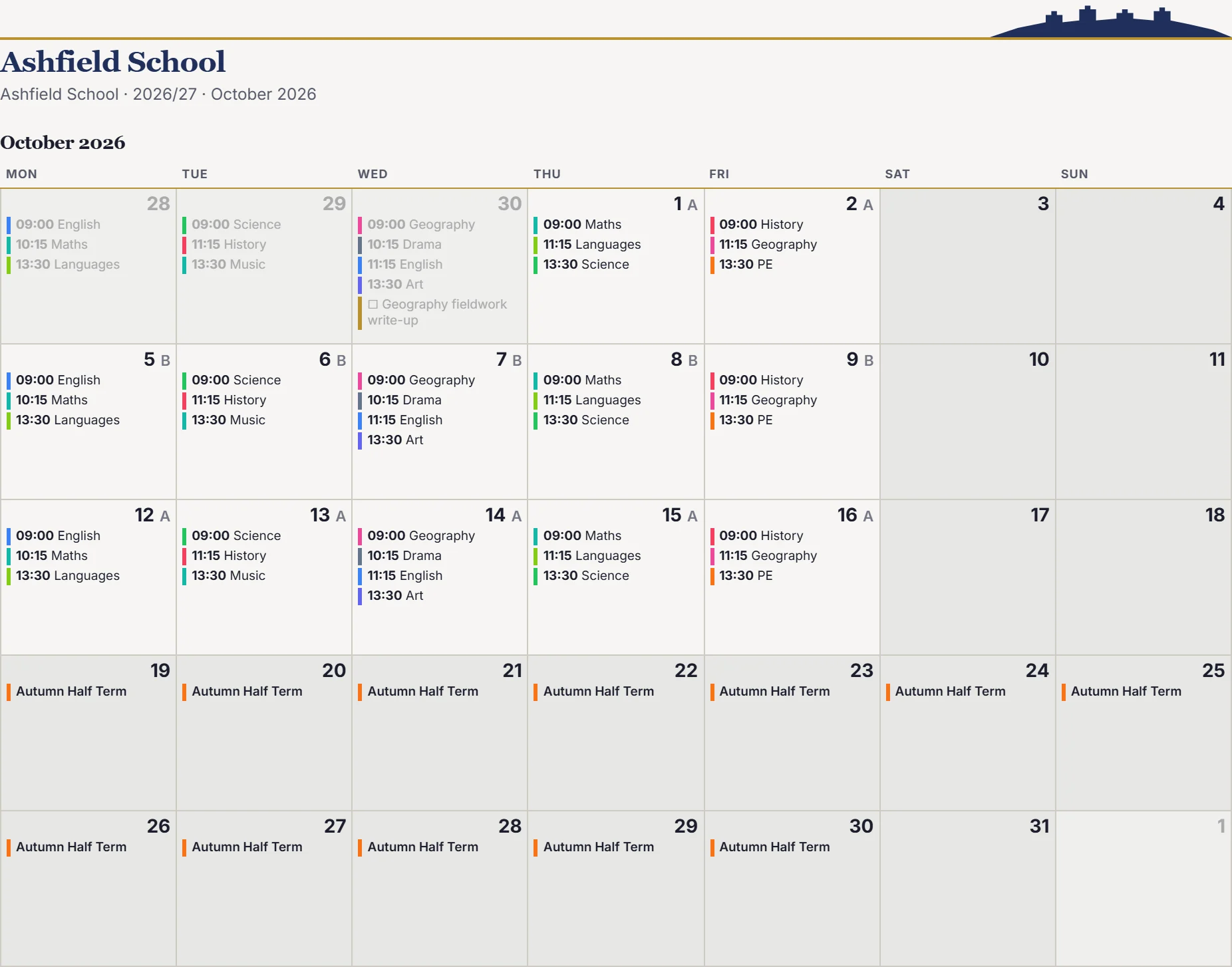
Print it
The months you choose on a paper named for a place, with the type and cells set the way you like.
Open it, and start planning the term.
No account, no email, no trial. Add your term dates, put your subjects in, and the planner does the rest.